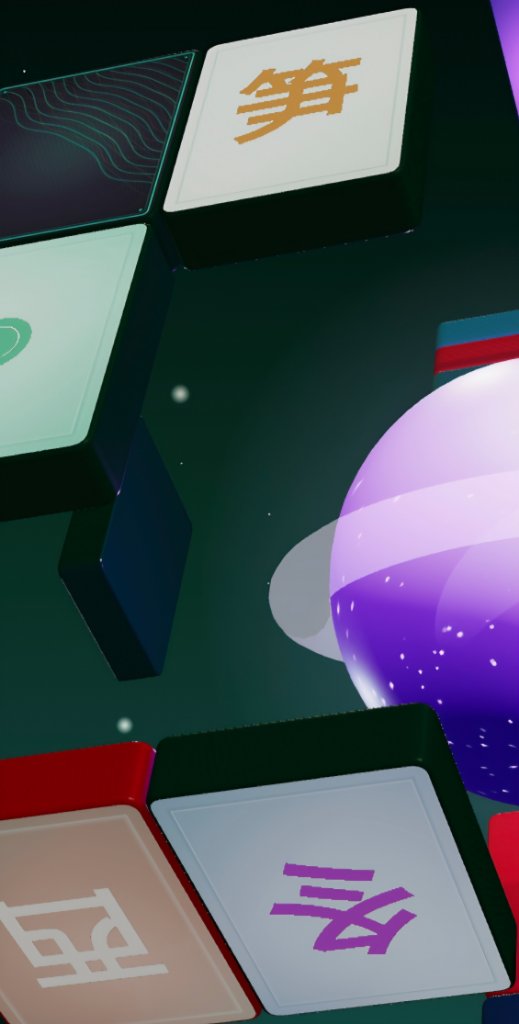
Cube Mahjong
A Game By MLI
Contains flashing effects — photosensitive viewers take care.
How to Play
Match Pairs
Tap two tiles with the same symbol to clear them from the cube.
Face-In Tiles
Tiles start face-down. Tap to reveal them, then match with another revealed tile.
Selectable Tiles
Only tiles not blocked from above and open on left or right can be matched.
Navigate the Cube
Drag to rotate • Scroll/pinch to zoom • Find matches on all 6 faces.
Clear the Board
Remove all tiles to advance to the next level with new layouts and materials.
Special Tiles
Bomb Tiles
A 5-second countdown starts when selected. Match it before time runs out or lose a life. You have 3 lives per level — clearing the bomb also removes nearby tiles.
Wildcard Tiles
Match a wildcard with any other tile — it adapts to whatever symbol you pair it with. Great for getting unstuck.
Locked Tiles
These tiles can't be selected until a specific "key" tile elsewhere on the cube is cleared. Look for tiles that appear dimmed — clear the key first to unlock them.
Hidden Tiles
Some tiles stay face-down even when uncovered. Tap to peek at them — but they re-hide if you don't match them. Memorize what you see!
Special Boards
Pyramid (Memory)
A four-sided pyramid where every tile is selectable. Tiles start face-down — tap to reveal, then match. Unmatched tiles flip back, so remember what you saw.
Rotating Columns
Tiles sit on vertical cylinders. Drag a row sideways to spin just that ring — only tiles at the front can be tapped, so rotate to bring hidden tiles into view.
Ball
Tiles wrap all the way around a sphere. Drag to rotate it and bring hidden tiles into view — pairs can hide on any side.
Dome
You stand inside a sphere of tiles all facing you. Drag to look around — every tile is selectable, so just find and tap matching pairs.
Settings
Cosmetics
Browse orbs & backgrounds · Reward Lv 0
Sound
Gameplay
Automatically reshuffle when no moves remain
Board Position
Centre the cube on your screen — adjust over the live board
Graphics Quality
Lower quality trades visual detail for smoother play on weaker devices. Applies on next launch.
Feedback
Subtle haptic pulse on tile match
Quick Answers
Common questions and troubleshooting
Privacy Policy
What data we collect and how to delete it
Delete Account
Permanently delete your account and all associated data. This cannot be undone.